SOC 2 CC6.1: what logical access controls need
The control family shows up on every SOC 2 report. Here's what an auditor is actually checking for.

Mayank Tripathi · Founder, CyberSpec
2 min read
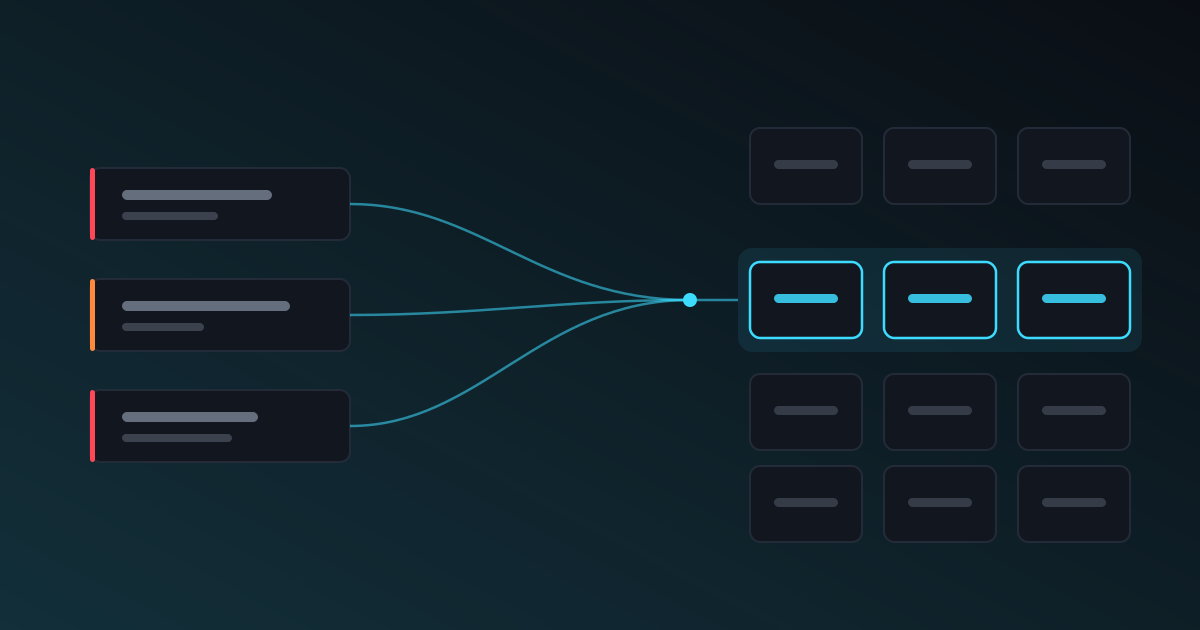
CC6.1 is the first control in the Common Criteria's logical access family, and it appears in essentially every SOC 2 report ever issued. The text is short enough to quote and vague enough that reading it tells most teams very little about what they are supposed to produce.
What the criterion says
The entity implements logical access security software, infrastructure and architectures over protected information assets to protect them from security events. That is the whole thing. It is written to apply equally to a bank's mainframe and a four-person SaaS company, which is exactly why it does not tell you what to do.
The useful detail lives in the points of focus AICPA publish alongside it. Paraphrased, an auditor is looking for evidence that you:
- Maintain an inventory of the information assets in scope.
- Restrict logical access to those assets to identified, authorised users.
- Authenticate those users, with strength appropriate to the risk.
- Manage the full lifecycle of credentials — issuance, modification, removal.
- Protect access points at the network boundary, not only inside the application.
- Restrict access to the infrastructure that supports the system, not just the system itself.
That last pair is where external exposure enters the picture, and where most findings from a perimeter scan land.
What an auditor actually asks for
In practice, the evidence request tends to be some combination of: a current asset inventory, a user access listing with roles, screenshots proving MFA is enforced, firewall or security-group rules, and a sample of joiner/leaver tickets showing access was granted and revoked on time.
The gap that catches teams out is not usually the application. It is infrastructure that nobody wrote down. A staging database with a public IP, a legacy admin panel on a subdomain nobody remembers, a management port left open after a migration — none of these appear in the user access listing, because they were never in the inventory the listing was drawn from.
The findings that map here most often
From an external scan, the recurring CC6.1 offenders are:
- Exposed administrative interfaces — dashboards, database GUIs, CI runners, monitoring consoles reachable from the internet, often without MFA in front of them.
- Overly permissive network ACLs — a security group open to
0.0.0.0/0on something that has no business being public. - Services accepting default or weak credentials, which is the cleanest possible failure of "authenticate users appropriately".
- Unauthenticated management protocols on the perimeter, where the control plane is reachable even though the data plane is locked down.
- Deprecated TLS or missing transport encryption on an access point, which overlaps into CC6.7 but shows up in CC6.1 findings routinely.
Each of these is an access-control failure that a configuration review can miss entirely, because the review looks at what the configuration says rather than at what is actually answering on the network.
Why the mapping goes stale
The common approach is a spreadsheet built during audit prep: someone reads each finding, decides which control it touches, types it into a cell. It is accurate on the day it is written and drifting by the following week, because the findings change and the spreadsheet does not.
The alternative is to derive the mapping from the weakness class behind each finding, so the coverage view is a live projection of what is currently open. Fix the exposed admin panel and CC6.1 stops being flagged, without anyone editing a row.
Conclusion
CC6.1 is not asking whether you have a security product. It is asking whether you know what is reachable, who can reach it, and whether that was a decision rather than an accident. An external scan answers the first part continuously, which is the part a point-in-time review is worst at.
CyberSpec maps open findings to the SOC 2, ISO 27001 and PCI DSS control families they affect automatically — see the Compliance page for how the mapping is derived.
- SOC 2
- Compliance
- Access Control
Related
- How CyberSpec scanning works — scheduled scans, ownership verification, live progress.
- SOC 2, ISO 27001 and PCI DSS coverage — what maps to which control family, and what doesn't.
- Cyber Essentials checklist for 2026 (v3.3) — A control-by-control Cyber Essentials checklist built from the v3.3 requirements, with the password, MFA, patching and firewall numbers you need.
- Cyber Essentials v3.3 (Danzell): what changed — From late October 2026 every Cyber Essentials assessment runs on v3.3. Two patching questions and cloud MFA became automatic fails. Here is the full list.
- Cyber Essentials: what the scan has to pass — The five controls are the paperwork. For Cyber Essentials Plus, an assessor scans your internet-facing addresses and one number decides the result.