ASOS breach 2026: stopping staff impersonation
ASOS lost customer data to an attacker who impersonated a trusted contact. Here's how help-desk social engineering works, and the controls that break it.

Mayank Tripathi · Founder, CyberSpec
6 min read
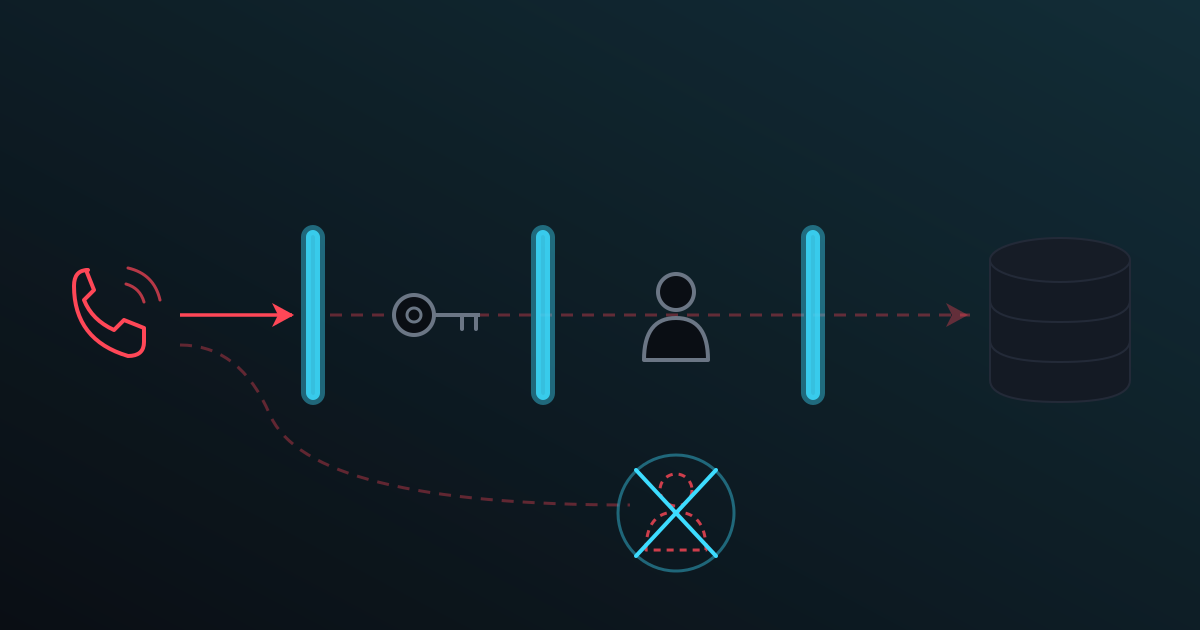
At around 10am on 6 October 2026, ASOS app users got a push notification the company never wrote. It was addressed to ASOS's data protection and IT teams, claimed customer data had been stolen and linked to a Telegram channel. ASOS told the London Stock Exchange the same day that names and contact details "may have been accessed", and that it did not believe card details or account passwords were affected.
Two days later it said how. An attacker got into an employee account by "impersonating a trusted contact to obtain log in credentials", then used those credentials on third-party platforms ASOS uses to talk to customers, according to the company's statement reported by BleepingComputer. No exploit. No zero-day. One person was talked into handing over a login.
That's the pattern this post is about, and it's the one an external vulnerability scan can't see.
What we know about the autumn 2026 UK breaches
Be careful with the details here, because a lot of the coverage is speculation dressed as fact.
ASOS (6 October). Confirmed by ASOS: one employee account was compromised through impersonation, and data on third-party customer-messaging platforms was accessed. The attacker's notification claimed a Snowflake environment was breached; Snowflake said the issue "did not in any way result from a vuln, weakness, flaw or misconfiguration" with its service, per Infosecurity Magazine. The same report notes the BBC was sent a data sample that went beyond basic contact details. ASOS hasn't said how many customers were affected, and it hasn't said whether the "trusted contact" approach came by phone, email or chat.
TFG London (11 October). The UK arm of The Foschini Group found an incident that knocked out IT systems at Phase Eight, Hobbs and Whistles, The Record reported. Stores stayed open, online orders were delayed, and Inside Story and White Stuff were unaffected because they run on separate systems. TFG has not disclosed how the attackers got in, who they are, or whether personal data was taken. Anyone telling you this was a help-desk attack is guessing. We aren't going to.
The 2025 precedent. The clearest UK case of the help-desk route is still Marks & Spencer. M&S chairman Archie Norman told a Commons sub-committee in July 2025 that the initial entry on 17 April came through social engineering, which he called a euphemism for impersonation. BleepingComputer reported that the attackers posed as one of the company's staff to get a third party to reset that employee's password.
So: one confirmed impersonation (ASOS), one confirmed impersonation with a reset (M&S), and one incident where the method is unknown (TFG). That's the honest scorecard.
How help-desk social engineering works
Help-desk social engineering is an attack where someone contacts your IT support, posing as an employee, and persuades them to reset a password, enrol a new MFA device or grant access. The attacker never breaks your security. Your own process hands them a working account.
Picture it from the support desk's side. It's 8:40 on a Monday. A caller says they're Sarah from finance, they've got a new phone, the authenticator app didn't transfer, and the month-end close is in an hour. They know Sarah's manager's name and her employee number (both found on LinkedIn or in an earlier phishing haul). They sound stressed and polite. The agent's job is to get people working. The MFA reset takes 90 seconds.
From there the attacker is Sarah, with a fresh MFA device of their choosing.
The NCSC's response to the 2025 retail attacks was blunt about where to look. Its May 2025 guidance asked organisations to review helpdesk password reset processes, "including how the helpdesk authenticates staff members credentials", and to pay specific attention to Domain Admin, Enterprise Admin and Cloud Admin accounts.
Where AI makes impersonation easier
The voice on that Monday call doesn't have to be a human anymore, and the email that set it up doesn't need to have spelling mistakes.
The NCSC assessed back in January 2024 that AI "provides capability uplift in reconnaissance and social engineering", making both more effective and harder to detect. Its May 2025 follow-up judged that AI will almost certainly make intrusion operations more effective through 2027.
It isn't theoretical. The FBI warned in May 2025 of a campaign using AI-generated voice messages to impersonate senior US officials. And British engineering firm Arup confirmed to CNN that a Hong Kong employee paid out about $25 million after a video call where the "CFO" and colleagues were deepfakes using fake voices and images.
One caution, though. We found no public confirmation that AI voice was used in the ASOS, TFG or M&S intrusions. What AI changes is the cost: a convincing voice or a fluent, personalised message used to take effort, and now it mostly doesn't. Which means "I recognised their voice" is no longer an identity check. It never really was.
How to prevent social engineering in a small UK business
You can't train people out of being helpful, and you shouldn't try. Change the process so being helpful isn't enough to hand over an account. Four controls do most of the work.
1. Verify identity before any reset, out of band
The person asking for a reset proves who they are through something the caller can't fake on the call itself:
- Call them back on the number already held in HR or your directory, never the number they're calling from.
- Or have their line manager confirm the request on a separate channel.
- For admin accounts, require two people to approve the reset.
What goes wrong: urgency. Write the rule down and give support staff explicit permission to say "I'll call you back on your registered number" to the managing director. Small firms often don't have a help desk at all; the "help desk" is the office manager or an outsourced IT provider. Ask your provider how they verify you, because M&S's reset went through a third party.
2. Use MFA that can't be phished or handed over
Not all MFA is equal. The NCSC's recommended order for corporate services puts FIDO2 credentials (passkeys and hardware security keys) first, describing them as phishing resistant. App-based code generators are "known to be vulnerable" to one-time code interception, and SMS and call-based methods come last.
This matters because a code can be read out over the phone to a fake help desk, and a passkey can't. Pair it with a reset rule: re-enrolling MFA gets the same identity check as a password reset, or it becomes the back door.
3. Keep admin accounts separate and small
If the account an attacker takes over is a normal user, they get that user's mailbox and files. If it's an admin, they get the business. Give anyone who does admin work a second account used only for admin, with no email and no browsing on it. Keep the number of those accounts as low as you can, and check monthly who holds one.
4. Remove accounts nobody uses
Leavers, old contractors, the shared "reception" login from 2021, the supplier's support account. Each is a valid identity an attacker can claim to be, and nobody will notice it being used. Disable on the last day of employment, and run an inactivity review.
What Cyber Essentials actually requires here
Cyber Essentials covers some of this, not all of it. The NCSC's v3.3 requirements (April 2026) say, under user access control, that you must:
- have a process to create and approve user accounts
- authenticate users with unique credentials
- remove or disable accounts when no longer required, such as when someone leaves or after a defined period of inactivity
- implement MFA where available, and always on cloud services
- use separate accounts for admin activity only, with no email or web browsing
- remove special privileges when no longer required
The requirements also say control extends to third-party accounts, "for example, accounts used by your support services". Under the Danzell question set, MFA on cloud services is now an automatic-fail question (more in our v3.3 changes breakdown).
Two honest gaps. The scheme does not prescribe a help-desk verification procedure, and it accepts any MFA type, including SMS codes. So controls 1 and 2 above go beyond what Cyber Essentials asks. Controls 3 and 4 are straight out of it. If you're working through the scheme, our Cyber Essentials overview and 2026 checklist cover all five controls.
What a scanner can and can't see
Straight answer: no external scanner can detect social engineering. CyberSpec can't. Nmap can't. A phone call to your help desk doesn't open a port or change a banner. User access control is something you attest to in the self-assessment, and our readiness view marks it as attested or not attested, never as scanned.
What scanning does cover is the other half: what you expose once an attacker has credentials. A stolen password is worth far more if your VPN, remote desktop or admin panel is reachable from the internet. Finding those exposed services, and the known vulnerabilities on them, is the part CyberSpec checks on a schedule, and it's why the ports that should never face the internet matter even when the breach starts with a phone call.
Checklist
- Written rule: no password or MFA reset without a call-back to the registered number or manager confirmation
- Outsourced IT provider asked, in writing, how they verify you
- MFA on every cloud service (Cyber Essentials automatic fail if not)
- Passkeys or hardware keys for admins and finance first
- MFA re-enrolment treated like a password reset
- Separate admin accounts, no email or browsing on them
- Leaver accounts disabled on the last day; inactivity review scheduled
- Internet-facing remote access checked for MFA
- Social Engineering
- Data Breach
- Help Desk Security
- Multi-Factor Authentication
- Cyber Essentials
Related
- How CyberSpec scanning works — scheduled scans, ownership verification, live progress.
- SOC 2, ISO 27001 and PCI DSS coverage — what maps to which control family, and what doesn't.
- Cyber Essentials vs Cyber Essentials Plus — Same five controls, different test. What Cyber Essentials Plus adds over the self-assessment, how to tell which one a contract wants, and when to book it.
- Cyber Essentials: what the scan has to pass — The five controls are the paperwork. For Cyber Essentials Plus, an assessor scans your internet-facing addresses and one number decides the result.
- AI cyber attacks and the shrinking patch window — AI is helping attackers turn fresh patches into working exploits faster. What the 2026 data shows, what it doesn't, and what a small UK firm should change.